
Local AI, explained from model to server.
Practical guides to local LLMs, GPU hardware, VRAM, inference, RAG and AI server infrastructure. Understand what you need, why it matters and how the pieces fit together.
Explore Local AI Infrastructure
Start with the part of the local AI stack you want to understand.
Latest Guides
-

Why Memory Bandwidth Matters More Than CPU Core Count for Local LLMs.
A 16-core CPU can load a quantized local LLM, show activity across many cores, and still generate text much more slowly than expected. Adding threads may help at first. Then the gains shrink. Eventually, another four or eight threads barely change tokens per second. The processor may not be short of arithmetic power. It may…
-
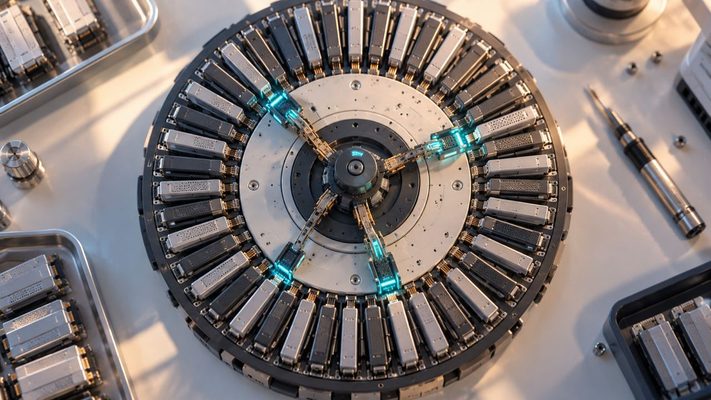
Why a 30B MoE Model Does Not Behave Like a 3B Model on Your PC
You download a model described as 30B-A3B. The second number looks reassuring: only about three billion parameters are active for each token. It is tempting to treat the model as a fast 3B model wearing a much larger label. Then you try to run it locally. The model file is still large. Loading it consumes…
-
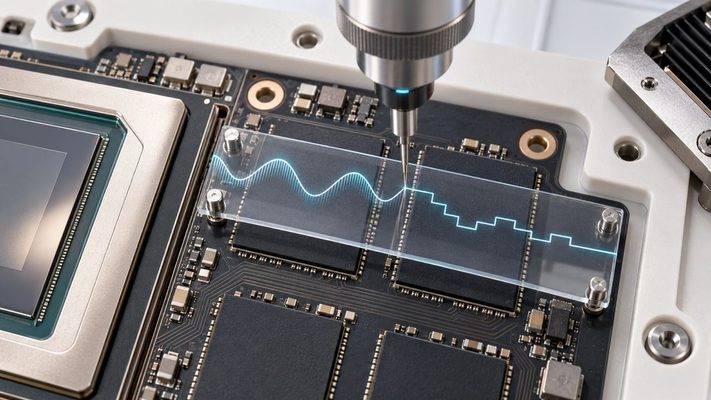
KV Cache Quantization Explained: How FP8 Fits More LLM Context Into VRAM
A shared LLM server is approaching its limit. The model weights still fit. The GPU has not reported an out-of-memory error. But long conversations and concurrent requests have filled most of the remaining VRAM with KV-cache state. Requests begin waiting, and the serving engine moves closer to the preemptions and recomputation described in our investigation…
-
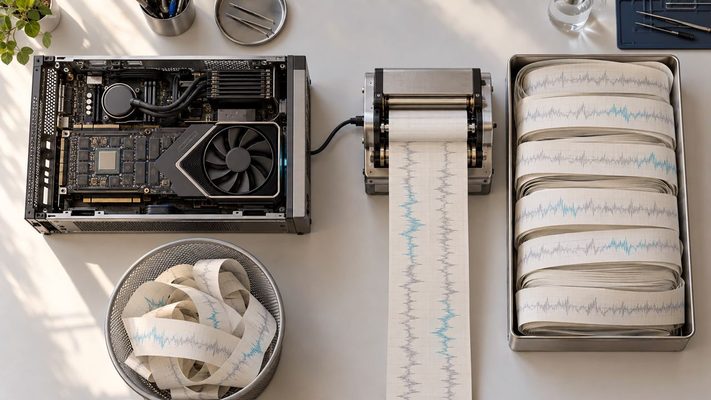
Why LLM Latency Spikes When the KV Cache Fills Up
The shared LLM server has not crashed. GPU utilization remains high, requests are still finishing, and the monitoring dashboard shows no conventional out-of-memory failure. Yet one conversation suddenly pauses halfway through its answer. A few seconds later, the stream resumes. Its next token took far longer than the ones before it, while another request appeared…
-
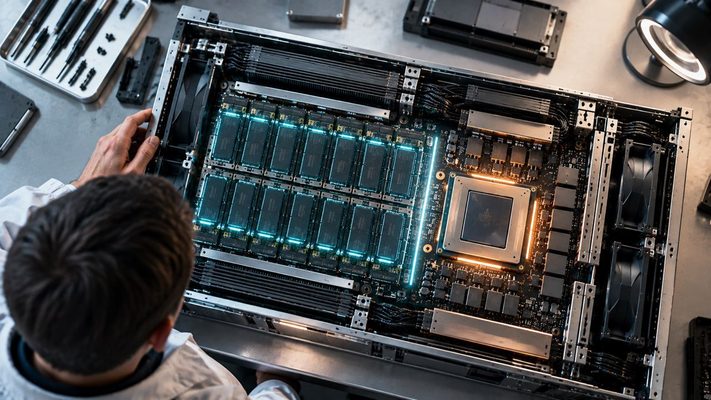
LLM Prefix Caching Explained: Why Repeated Prompts Can Start Faster
Two requests can contain almost the same 20,000-token prompt and still reach the first generated token at very different times. On the first request, the inference server may have to run the entire prompt through the model. On the next, much of that work may already exist in GPU memory. The difference is prefix caching.…
-
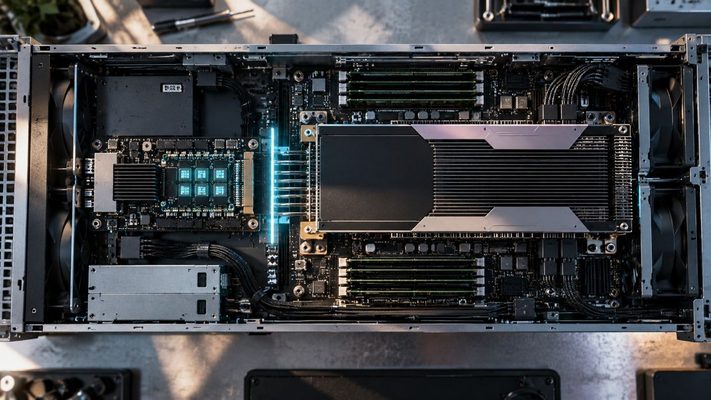
Speculative Decoding Explained: How LLMs Generate More Than One Token per Expensive Step
A large language model can have a powerful GPU almost to itself and still produce a single conversation one token at a time. The accelerator finishes one decode step, the next token becomes known, and only then can the next step begin. That dependency is awkward for hardware designed to perform enormous amounts of parallel…
-
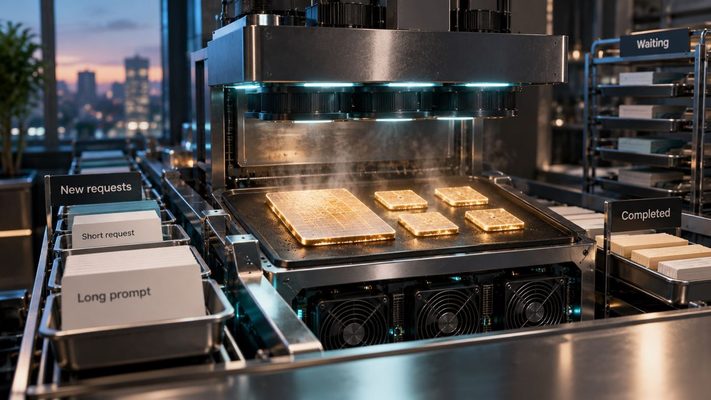
Continuous Batching Explained: How LLM Servers Keep a GPU Busy
Four people are talking to the same local LLM. One asks a short question and gets an answer in seconds. Another requests a long explanation. A third pastes several pages of text. The fourth request arrives while all of that work is still running. A single-user benchmark tells you surprisingly little about what happens next.…
-

How Long Prompts Disrupt Shared LLM Inference
Three people are using the same local AI server. Two answers are already streaming at a comfortable pace. Then a third user pastes a long document and presses Send. Nothing has changed about the model or GPU. Yet the first two responses may become less smooth while the new user waits for a first token.…
-
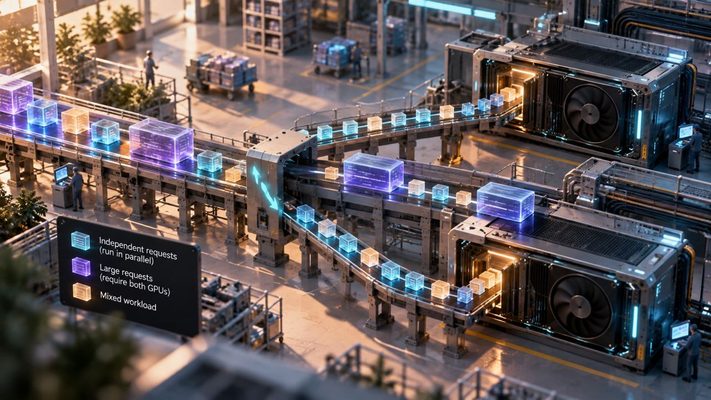
When Does a Second GPU Actually Help LLM Inference?
There is an appealingly simple upgrade path for a busy local AI server: install another GPU. Twice the accelerators should mean something close to twice the inference capacity. Sometimes that is roughly the direction the system moves. Sometimes the second card mainly gives the first one a very expensive communication partner. The difference comes from…
-

How Many Users Can One GPU Actually Serve?
A local AI server can feel almost instantaneous when one person is using it. Add a second conversation and it may still feel fine. Add several people with long prompts, though, and something changes: the GPU can remain busy while individual users wait longer for the first token and watch responses arrive more slowly. The…
-

Your LLM Benchmark May Be Measuring the Wrong Thing
A local LLM produces 100 tokens per second. On paper, that sounds fast. Then a real user sends a long prompt and waits several seconds before anything appears on screen. Nothing is necessarily wrong with the benchmark. The problem is that it may have measured a different part of the system from the one the…
-

Prompt Processing vs Token Generation: Why Local LLM Speed Has Two Numbers
A local LLM does not have one meaningful “tokens per second” number. Before it can write the first token of an answer, it has to process the tokens already in the prompt. After that, it generates new tokens one at a time. These are different workloads, and the same computer can be fast at one…